
12BET on iPhone and iPad: How to Access 12BET on iOS
Android APK files don't install on Apple devices, so iPhone and iPad users need a different route to 12BET. This page explains the method 12BET supports and how to set it up.
The supported way to use 12BET on iOS
Confirmed method: download the iOS version from 12betapps.com. 12BET isn't on the App Store.
| Access method | Download from 12betapps.com (not the App Store) |
|---|---|
| Where to get it | www.12betapps.com |
| Minimum iOS / iPadOS | iOS 13.0 / iPadOS 13.0 or newer (tested on iOS 17 and iOS 18) |
| Supported devices | iPhone 8 and newer, and iPad (6th generation) and newer. 64-bit (ARM64) |
| iOS app version | 2.0.5 |
| Download size | 68.4 MB. Keep at least 150 MB free |
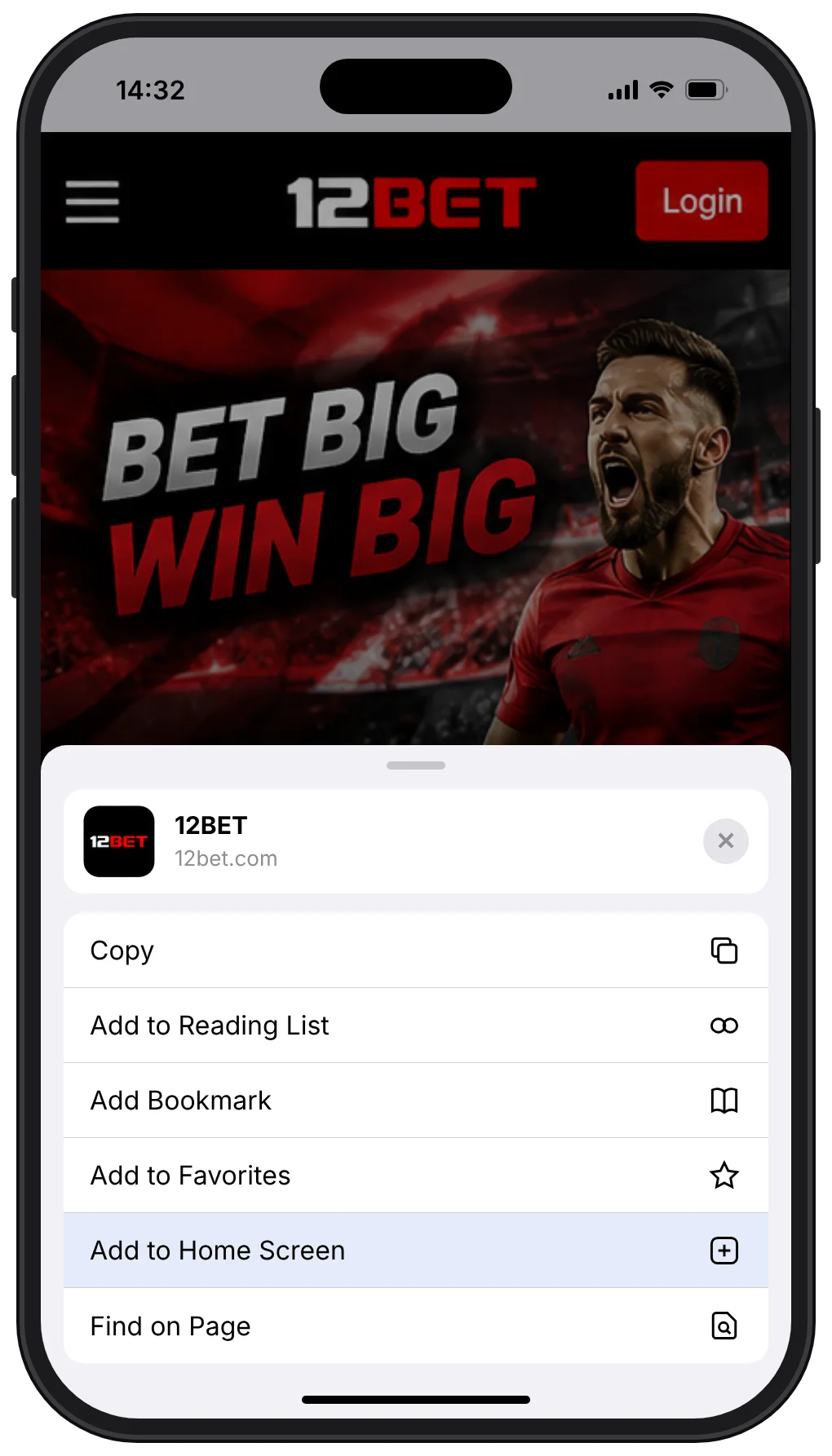
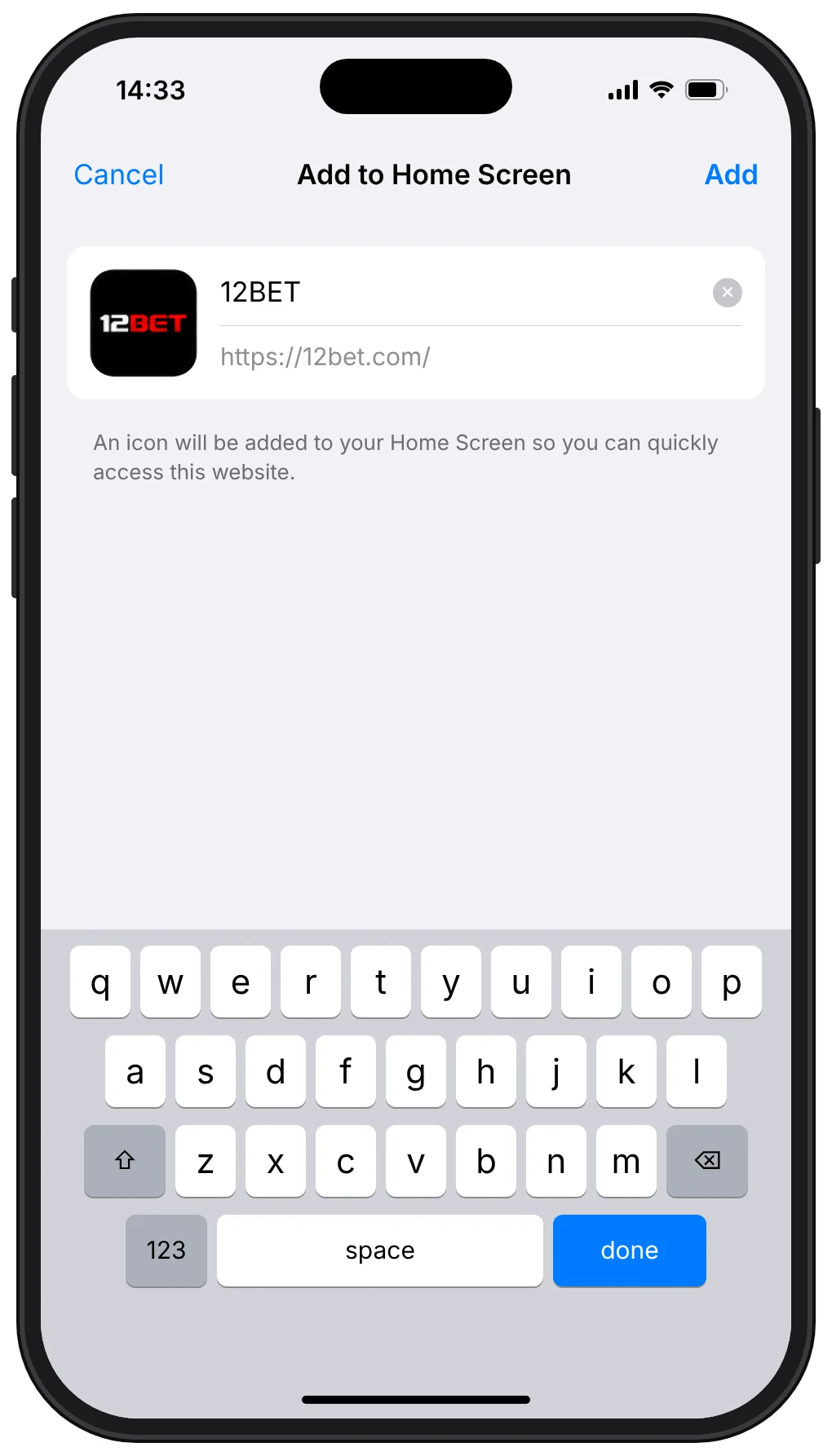
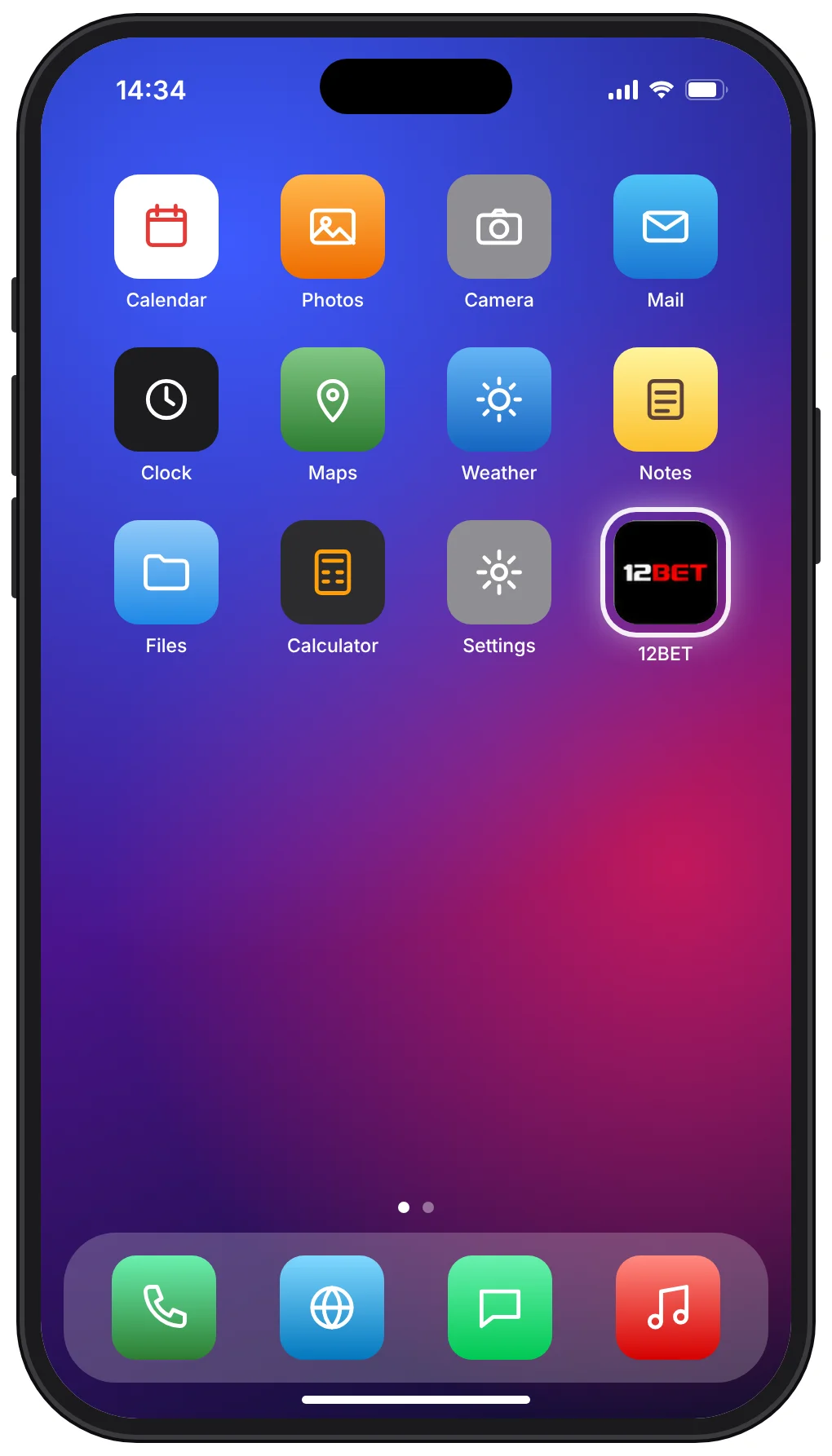
To add 12BET to your iPhone home screen from Safari:
Using 12BET in Safari today
Whatever the app situation, 12BET's website works in Safari on any recent iPhone or iPad:
- Open Safari and type www.12betapps.com into the address bar yourself, rather than following links from messages or ads.
- Check the address bar shows that exact domain.
- Tap Login and enter your 12BET username and password.
- Optional: tap the Share button, then Add to Home Screen, to get a shortcut icon. This is a bookmark, not an installed app.
Common iPhone problems
| Page won't load | Switch between Wi-Fi and mobile data, then check you typed the official address. If 12BET is down for everyone, see is 12BET down? |
|---|---|
| Login keeps failing | iOS autofill may be entering an old password. Type it manually; it's case-sensitive. Login errors |
| Video or live features stutter | Close other apps and check Low Data Mode is off (Settings › Mobile Data › Mobile Data Options). |
| Logged out every time | Safari's private browsing doesn't keep you signed in. Use a normal tab. |